Have you ever wanted to create your own coloring pages but felt stuck because you didn’t know how to draw properly?
Maybe you want to turn family photos into printable designs, create activities for kids, or make your own coloring book.
In this article, you’ll learn how to make coloring pages using different methods, prepare clean outlines, and print your finished designs.
What Makes a Good Coloring Page?
A good coloring page starts with clear black outlines and enough empty space for someone to fill each shape comfortably.
Keep the main subject easy to recognize, whether you’re drawing a cute animal, flower, vehicle, or a simple cartoon character.
For younger children, use larger shapes with thicker outlines, while older kids and adults may enjoy smaller patterns and extra details.
Before finishing, imagine coloring every section yourself and remove anything that looks confusing, overcrowded, or too small to fill neatly.
What Type of Coloring Page Should You Create?
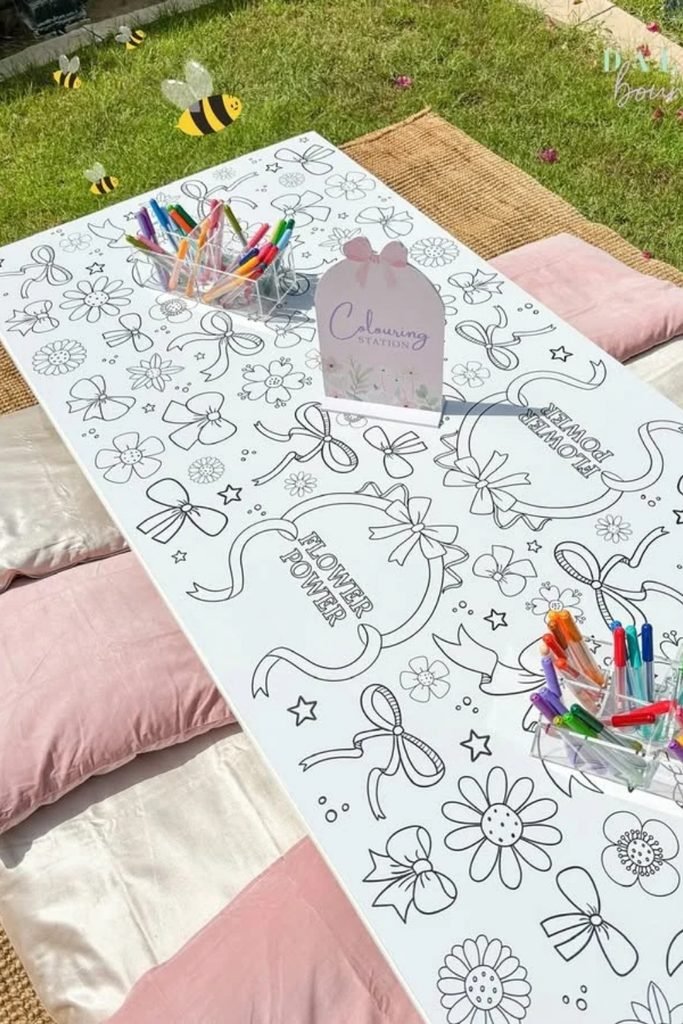
Before creating your design, think about who will color it and whether you’re making individual printables or a complete book.
1. Pages for Kids
Kids usually enjoy familiar subjects like dinosaurs, animals, cars, and cartoon characters, especially when the pictures have large spaces to color.
Draw bold outlines around the main objects and leave enough room for crayons or colored pencils to move without crossing lines.
Avoid filling backgrounds with tiny stars, flowers, or complicated patterns because younger children may find these details difficult to color.
For example, a smiling elephant with a few clouds makes a fun beginner page without requiring children to color dozens of sections.

2. Coloring Pages for Adults
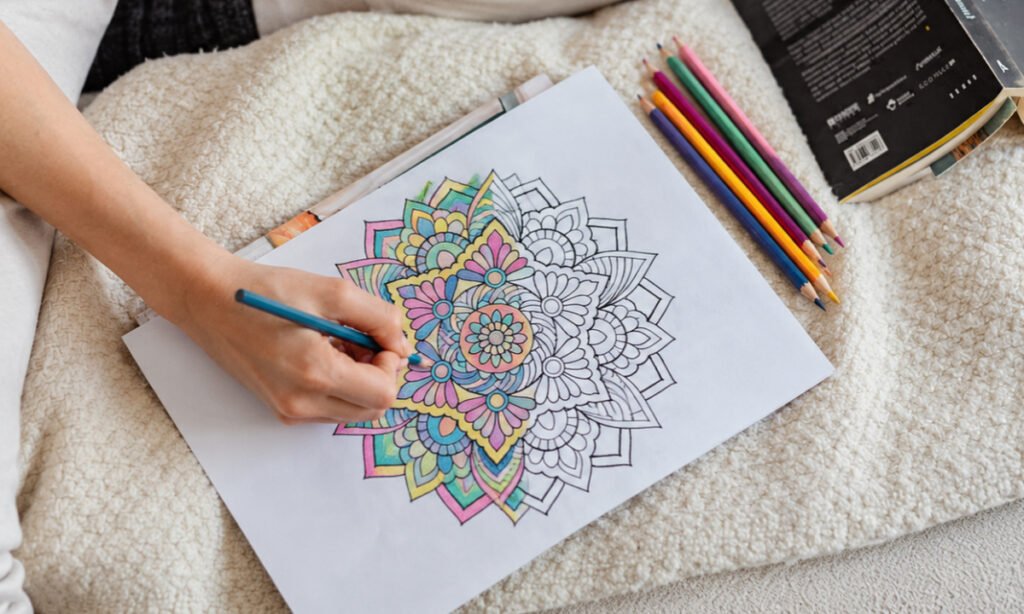
Adult coloring pages often include detailed flowers, mandalas, landscapes, and decorative patterns that give people more opportunities to experiment with colors.
Start with a recognizable central design, then add smaller elements around it to make the artwork interesting without overcrowding the page.
Leave some larger sections between the intricate details so people can switch between careful coloring and filling broader areas more comfortably.
If you’re making floral designs, combine large petals with smaller leaves instead of covering every available space with complicated patterns.
3. Printable Pages or Coloring Books
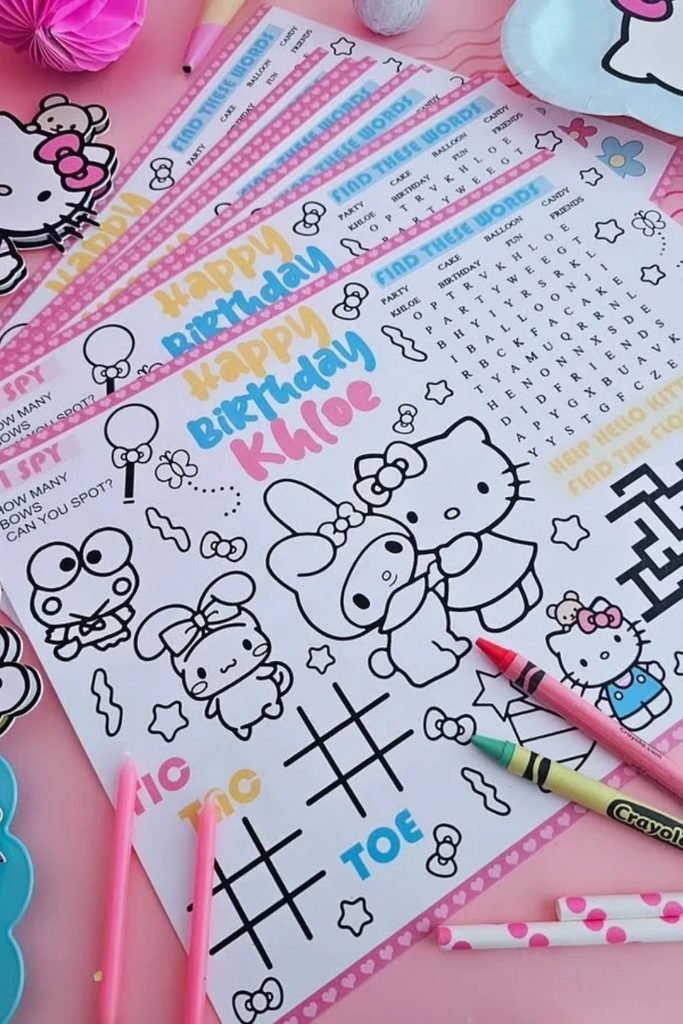
A single printable coloring page gives you freedom to experiment with different themes, page layouts, and drawing styles whenever you like.
For a complete coloring book, choose a consistent page size and keep the outline thickness similar throughout the entire collection.
Plan your designs around one theme, such as woodland animals or flowers, so the pages feel connected when printed together.
Remember to leave appropriate margins around each illustration, especially if you plan to bind the pages into a physical coloring book.
Which Tools Can You Use to Create Coloring Pages?
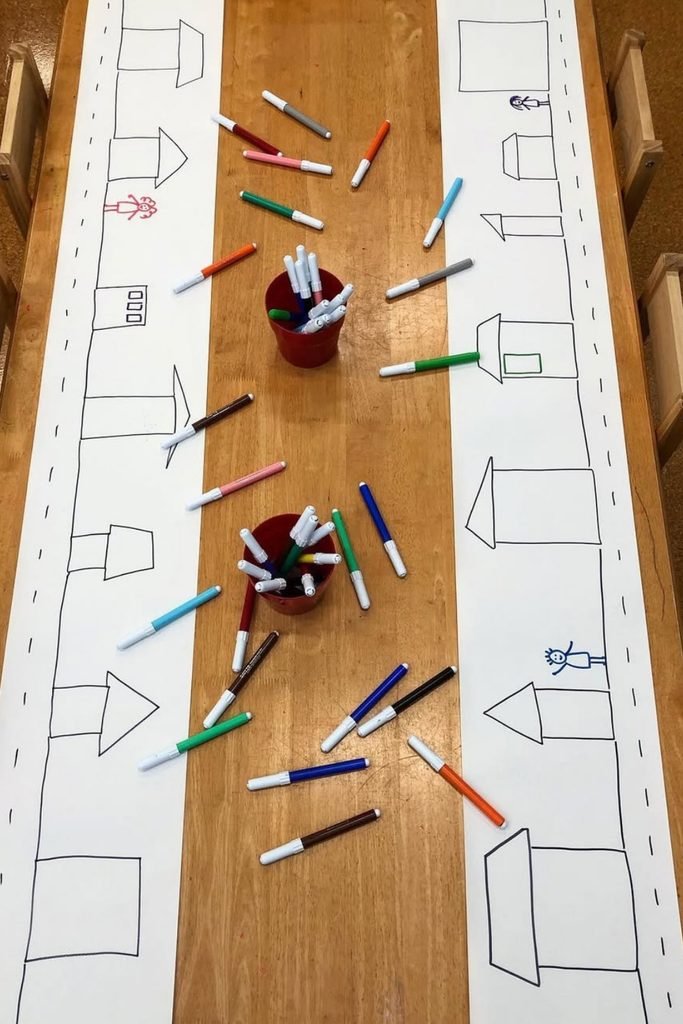
You don’t need expensive drawing software to make printable coloring pages, and several beginner-friendly tools can help you get started.
Krita is useful for digital sketching, while Inkscape lets you create clean vector outlines that remain sharp when resized.
Canva and Adobe Express offer design tools, and Procreate works well for drawing directly on an iPad with a compatible stylus.
If you want advanced vector editing, Adobe Illustrator is another option, but learning one simple tool is enough for your first project.
If you want to make simple word coloring page then you can use our free tool, we also have a coloing tool that will help you to color things online.
How to Make a Coloring Page Step by Step
Creating your own coloring page becomes much easier when you divide the process into small steps, from planning the design to printing.
1. Plan Your Design
Start by choosing a subject that’s easy to recognize, such as a butterfly, teddy bear, flower, or your favorite animal.
Think about the age of the person coloring it, since younger children need larger shapes than adults who enjoy detailed patterns.
Make a quick list of the objects you want to include, and decide where the main illustration should sit on the page.
Keep the background simple at first because adding too many decorations can make your finished coloring page feel crowded and harder to use.

2. Sketch the Artwork
Begin with a light pencil sketch or use a digital drawing brush to arrange the basic shapes of your chosen subject.
For example, draw a large circle for a bear’s head, smaller circles for its ears, and simple shapes for the body.
Don’t worry about perfectly straight or smooth lines yet, since this stage is mainly for checking proportions and arranging the design.
Once everything looks balanced, erase unnecessary objects and adjust any areas that might become too narrow or difficult to color.
3. Ink or Trace the Final Lines
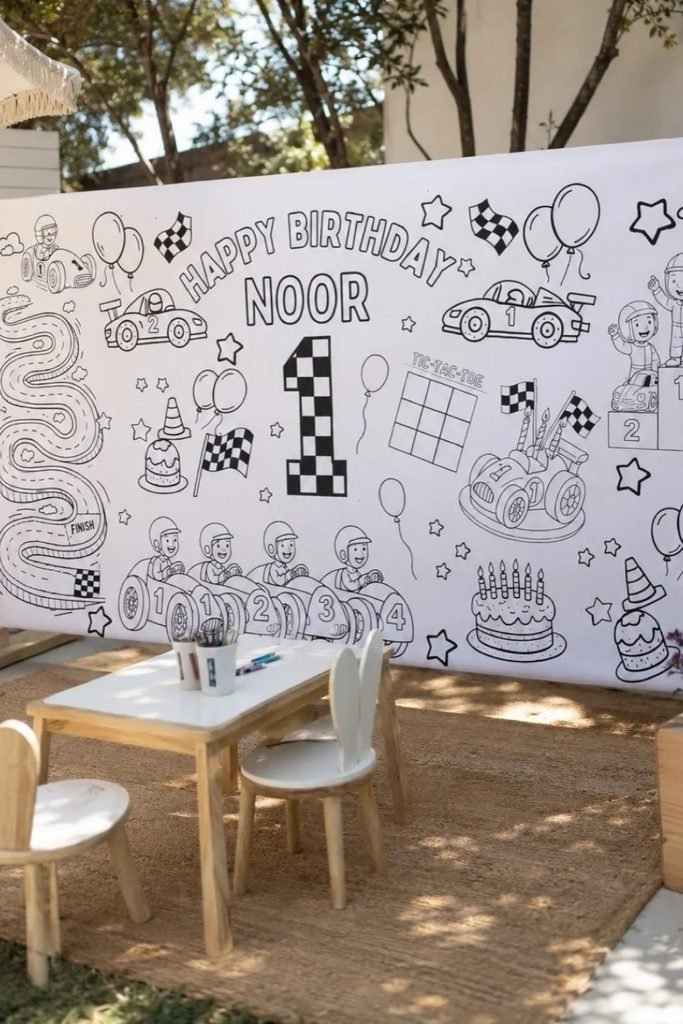
When you’re satisfied with your sketch, trace the important outlines using a black fine-tip pen or a digital inking brush.
Use smooth, visible lines around the main shapes, and avoid adding heavy shading that would cover spaces meant for coloring.
If you’re working digitally, draw your final outlines on a separate layer so you can correct mistakes without changing the sketch.
For traditional drawings, let the ink dry completely before erasing pencil marks to prevent smudges from spreading across your artwork.
4. Clean Up the Design
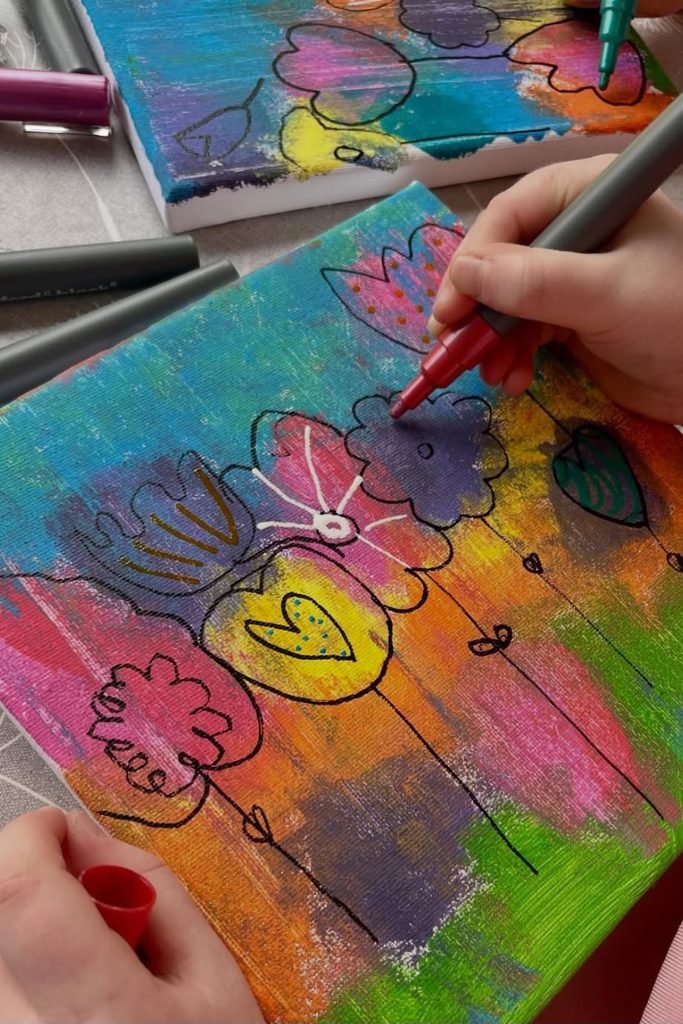
Look closely at your finished outline and remove stray pencil marks, unnecessary lines, or small details that make the illustration confusing.
Check places where two shapes overlap, since unclear boundaries can make it difficult to understand which section belongs to each object.
If you’re editing digitally, zoom in to repair broken outlines and remove unwanted gray marks before exporting the final image.
Keep the background white and the important lines dark so your design prints clearly without wasting extra ink on unnecessary shadows.
5. Print a Test Copy
Before sharing your coloring page, print one copy at the actual size you want other people to use for coloring.
Check whether the outlines appear sharp, the main design fits inside the margins, and smaller details remain visible on paper.
Try coloring a few sections with pencils or crayons to see whether any shapes feel awkward, crowded, or unnecessarily difficult.
If something doesn’t work, return to your original file, adjust the design, and print another copy before sharing the finished version.
How to Turn a Photo Into a Coloring Page?
Choose a photo with a clear subject and simple background, since complicated scenery often creates too many unwanted lines during conversion.
Upload the picture into an image editing tool with an edge detection or line art effect, then examine the resulting outlines.
Remove distracting background details, strengthen important edges, and simplify facial features or clothing patterns if the converted image looks too busy.
Finally, place the cleaned artwork on a white background and print a test page to check how easily the shapes can be colored.
How Can You Make Your Coloring Pages More Fun?
Try giving your main character an interesting expression or pose, such as a smiling dinosaur holding balloons or a sleeping kitten.
Add a few related objects around the subject, but leave enough space between them so each item remains comfortable to color.
For seasonal pages, include familiar decorations like pumpkins, snowflakes, or Easter eggs rather than covering the entire background with tiny patterns.
You can also create easy and detailed versions of the same illustration, giving different age groups a choice that suits them.
Which Method Is Best for Making Coloring Pages?
The right method depends on your drawing experience, available tools, and how much control you want over the finished coloring page.
Hand drawing works nicely for personal projects, while digital drawing makes correcting mistakes and changing outlines much easier later on.
Photo conversion is useful for turning personal memories into coloring activities, whereas vector design offers flexibility when resizing printable artwork.
If you prefer AI-assisted designs, treat the generated artwork as a starting point and inspect the lines carefully before printing.
| Method | Best For | Skill Level | Main Benefit |
|---|---|---|---|
| Drawing by Hand | Artists and hobbyists | Beginner to Intermediate | Natural hand-drawn appearance |
| Digital Drawing | People who want editing control | Beginner to Intermediate | Easy corrections and adjustments |
| Photo to Line Art | Turning photos into coloring pages | Beginner | Converts existing pictures into outlines |
| AI-Assisted Creation | Generating design concepts | Beginner | Helps develop ideas quickly |
| Vector Design | Creators making scalable illustrations | Intermediate to Advanced | Sharp outlines at different sizes |
What Mistakes Should You Avoid When Making Coloring Pages?
One common mistake is drawing outlines too thin, which can make important details difficult to see after printing the page.
Another problem is adding too many small objects, leaving very little room for crayons or colored pencils to fill each shape.
Avoid using blurry photos or exporting low-resolution images because these can produce jagged edges and unclear outlines on printed sheets.
Always inspect AI-generated artwork, use images you have permission to reproduce, and test your finished design before sharing it online.
Can You Sell Coloring Pages You Create?
Yes, you can sell original coloring pages through your own website or digital marketplaces, provided you have the necessary commercial rights.
If you use stock graphics, fonts, templates, or AI-generated elements, check their licensing terms before including them in products for sale.
Create designs around a clear theme, such as farm animals or seasonal activities, and prepare clean files that customers can print.
Before listing your pages, test the downloads and include accurate previews, printing instructions, and details about what customers will receive.
Conclusion
Learning how to make coloring pages doesn’t require professional drawing skills, especially when you begin with simple shapes and clear outlines.
You can draw by hand, use digital software, convert photos, or experiment with AI-assisted tools to create your own printable designs.
Focus on keeping the artwork easy to color, choose a suitable page size, and always check the printed result before sharing.
Start with one simple design, practice improving your outlines, and gradually explore different themes as you become more comfortable creating coloring pages.